

Stussy
Stussy Grey Basic Logo Trousers
≈$37.22
Use the seller’s waist, rise and leg measurements to compare pants. The size-chart article below explains how to check these measurements.
Prices are estimates in USD. Open the product page to check the current price, sizes and options.
Stussy
≈$37.22

Adidas
≈$22.22

Polo Ralph Lauren
≈$24.83

Nike
≈$28.33

Pants
≈$20.00

Corteiz
≈$20.00

Carhartt
≈$27.64

Lacoste
≈$15.00
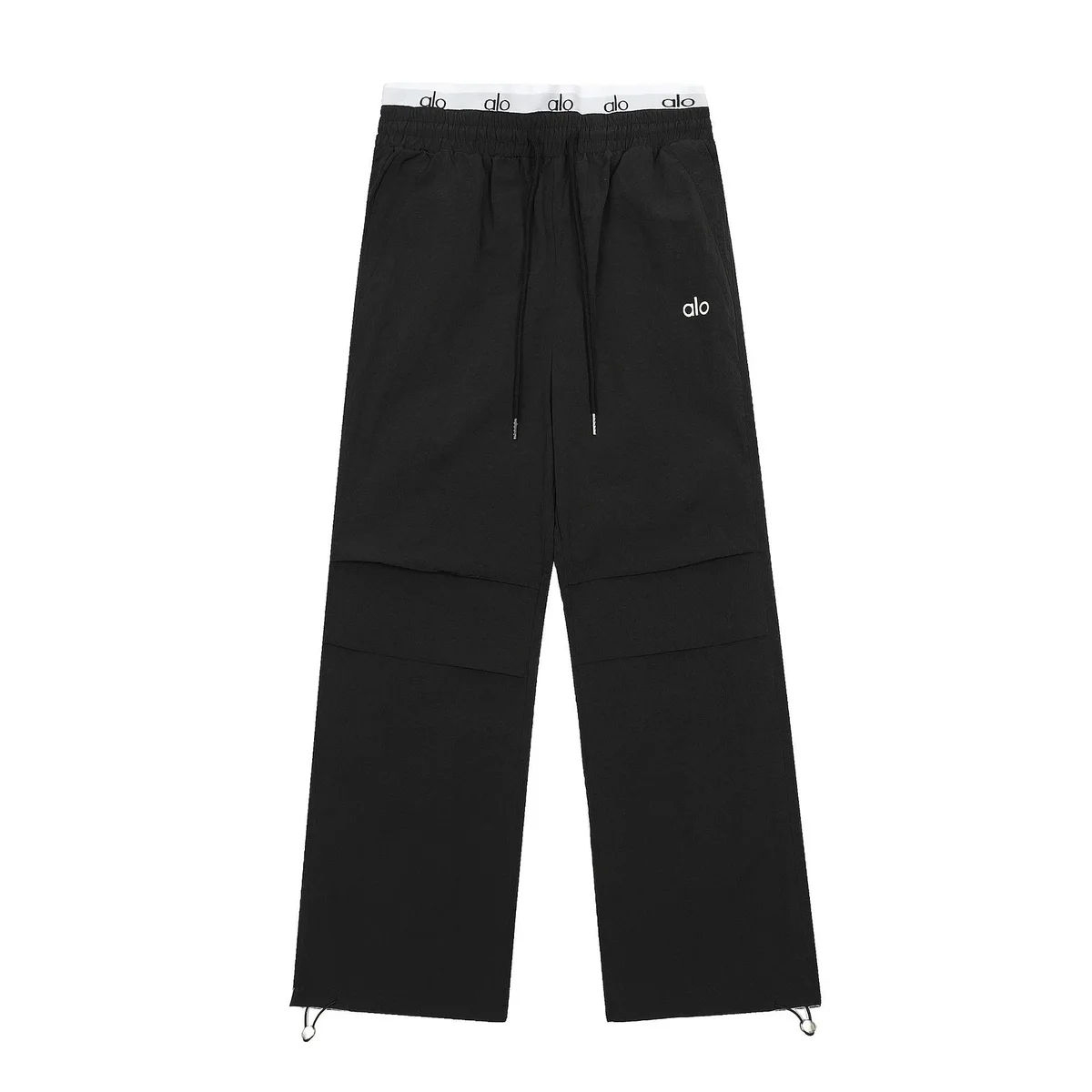
Alo Yoga
≈$52.80

Essentials
≈$14.58

Cartier
≈$24.67

Balenciaga
≈$26.25

Jil Sander
≈$16.50

Amiri
≈$23.61

Acne Studios
≈$44.72

Fear of God
≈$19.17

Le Coq Sportif
≈$15.33

Needles
≈$24.17

CLOT
≈$29.15

Carvela
≈$36.33

On Running
≈$33.33

Canada Goose
≈$44.92

CP Company
≈$31.67

Adidas
≈$19.17
Use the seller’s waist, rise and leg measurements to compare pants. The size-chart article below explains how to check these measurements.
Open the product page to confirm the seller’s current options. After ordering, review the warehouse photos for the item received for you.
Size labels alone do not describe waist, rise or leg length. Use the seller’s measurements and ask about missing details before ordering.
Measure trousers that fit you and compare them with the seller’s chart in cm.
If the chart is missing or only gives a regional size label, request measurements before ordering.
Review the waistband, zipper, hems and visible seams in your warehouse photos. Ask for extra details if needed.
Shorts still need the correct waist, rise and length. Compare measurements before selecting an option.
Open the current listing on the product page, then use the marketplace link to order through your USFans account.
The USD price is an estimate for comparison. Check the current product price and delivery charges in your order.
Review the warehouse photos for your own item. Seller and Catalog QC photos are references, not inspection of your order.